
The work is manual and it disappears
Copying a competitor's price into a spreadsheet takes hours and is outdated in two days. Whoever did it knows; whoever didn't starts from zero.
Extract a page, crawl an entire site or watch a price table that changes without notice. The engine is ours and runs inside your own infrastructure: the address you monitor never passes through any third party server.
concorrente.com.br/precos
Example of a daily monitor. An unchanged page doesn't generate an alert, doesn't generate a webhook and doesn't generate an email: an alert that always fires is an alert nobody reads.
Extracting once solves a one off problem. Knowing the competitor dropped their price yesterday, that the supplier changed the deadline or that the bid opened. That changes what the company does that day.
Copying a competitor's price into a spreadsheet takes hours and is outdated in two days. Whoever did it knows; whoever didn't starts from zero.
You find out the competitor dropped the price when the client mentions it during negotiation. Two weeks after it happened.
Cloud scraper sends the address (and sometimes the content) to their server. For anyone collecting contracts, bids, or confidential pricing, that's already grounds for a veto.
Each check saves a snapshot of the page. When something changes, the system shows what it was and what it became, in the exact field. Not just "something changed on this URL".
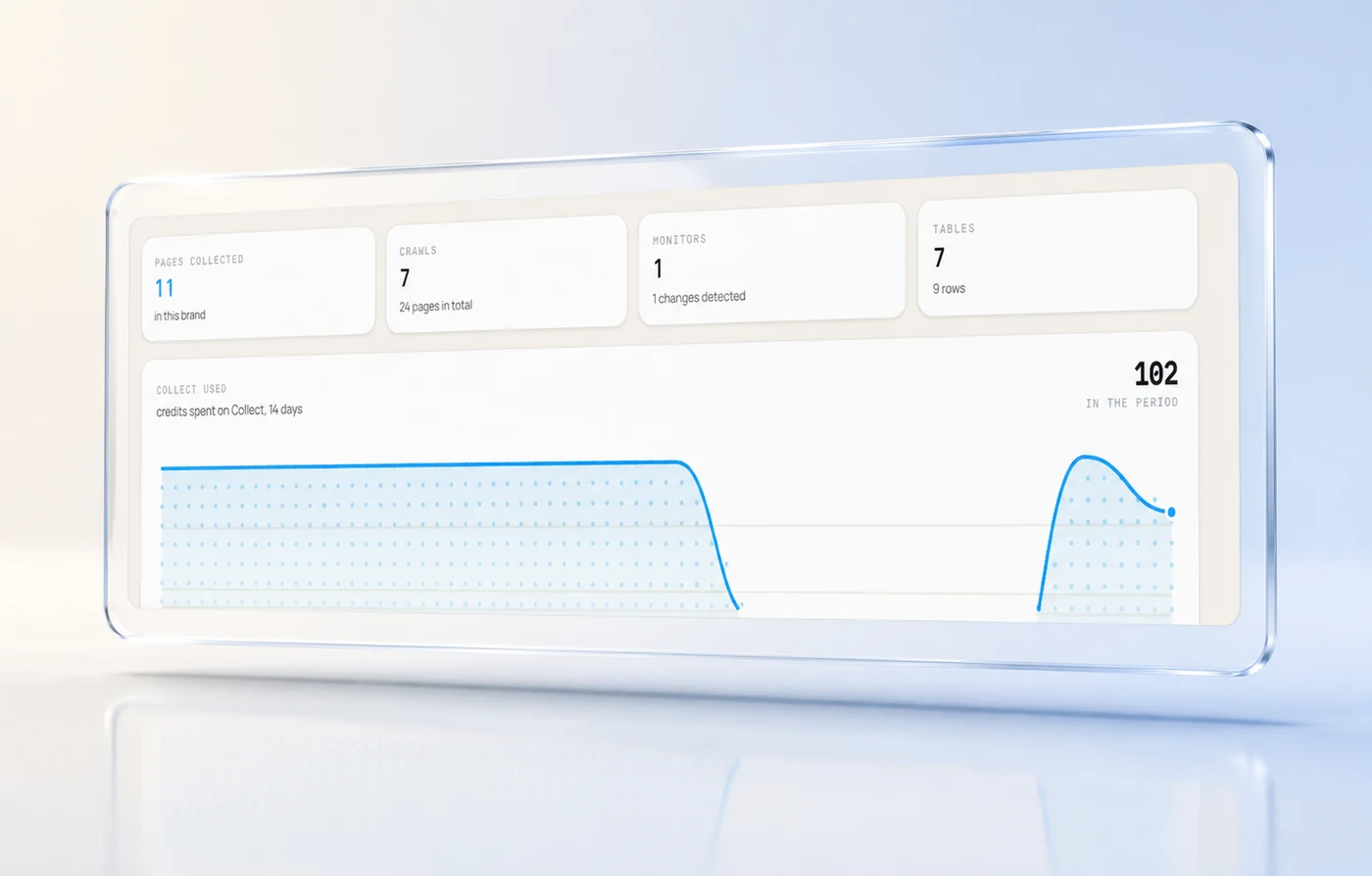
How many pages have come in, with clean markdown or JSON in the format you asked for, ready for another module to use.
Up to fifty pages watched per brand, each with its own interval and its own monthly spending cap.
Hourly, every six hours, twice a day, daily, or weekly. You choose per page, not for all of them.
Only what changed becomes an alert. Three identical checks pass in silence, and that's what makes someone open the fourth.
Anyone can write a scraper in an afternoon. What costs you is everything that comes after: a page that changes layout, an address that dies, an alert that turns into noise, and a bill that creeps up unnoticed.
This isn't a wrapped cloud service. The address you monitor and the content that comes back never pass through a third party server, which is the only way to collect contracts and bids without asking legal for permission.
Each reading is compared with the previous one in the field that matters. An unchanged page doesn't generate an alert, a webhook, or an email.
An hourly monitor uses 24 credits a day. Forgetting one turned on would silently drain the account, so each one has its own monthly limit.
Five failures in a row and the monitor stops, saying why. Better stopped with a warning than burning credits against an address that no longer exists.
An in house script works, a cloud scraper works, and an intern with a spreadsheet works. The point is what each one costs you as volume and confidentiality grow.
One page, a list of pages, or an entire site to discover and track.
Clean Markdown for reading, or the exact fields you need, name, price, deadline, in JSON.
Choose the interval and spending cap. From then on, you are only notified when something changes.
Enter the negotiation knowing the price the competitor published yesterday, not last quarter.
Track supplier catalogs and lead times without depending on someone opening the site every week.
See market movement as a time series, instead of a screenshot in the WhatsApp group.
No menu, no banner, ready for an AI to read.
JSON in your schema, straight to the spreadsheet or database.
What it was, what it became, when, and where you want it sent.
A detected change does not wait for someone to open the dashboard: it arrives where the team already talks.
There is no scraper subscription here: it is the same balance that runs the other modules, spent per page actually retrieved.
7 days, up to 3,000 starting credits, no card required. The trial ends when its duration or usage limits are reached.
See all plansYes, by default. It tells you when a page was rejected because of it instead of pretending it was empty. For pages you control yourself, you can deliberately disable this safeguard: the decision is recorded.
Extraction is based on meaning, not a fixed HTML position, so layout changes usually go unnoticed. When they do not, the monitor fails, retries, and if it fails five times in a row, pauses and tells you why, instead of continuing to spend on nothing.
Yes, with the credential stored in your account vault. Because the engine runs within your infrastructure, that credential does not go anywhere: this is the kind of thing you do not do with a cloud scraper.
Up to fifty per brand, each with its own interval and monthly credit cap. The cap prevents a forgotten hourly monitor from silently consuming the account.
It stays in your database, encrypted with your key, available to the other modules and fully exportable whenever you want. It does not become anyone's model training data.
Collection without a destination is a stagnant file. Here, what comes in becomes context for the other modules in the same minute.

Each one solves a front, and all write to the same memory. See the others and how they fit with this one.